Video by Apogee Electronics via YouTube
Source
View Apogee Electronics on Plugin Boutique

ShaperBox 3 Bundle: The Ultimate Rhythmic Powerhouse Elevate your sound design with the ShaperBox 3 Bundle, a must-have toolkit for modern producers. This versatile collection brings together 11 powerful Cableguys effects—including Time, Pitch, Volume, and the new LiquidShaper—into one intuitive, multiband interface. Whether you're looking for precise sidechain ducking, complex rhythmic glitches, or lush analog-style filtering, ShaperBox 3 makes it easy to inject musical motion into any track. Praised by top producers like David Guetta and industry titans like Sound On Sound, it’s the definitive solution for solving mix problems and finding instant inspiration.
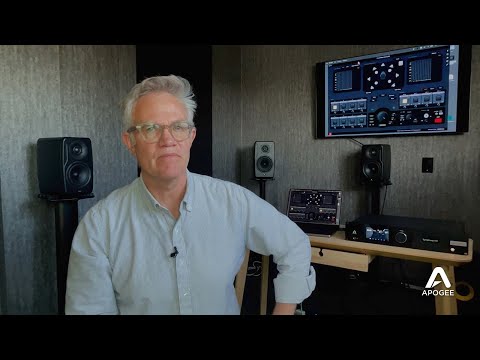
In this video, Roger will walk you through step by step on how to setup Ginger Audio’s GroundControl Sphere software for Immersive Audio with Symphony Mk II. Right now all current and new Symphony Mk II owners get 40% off GroundControl Sphere until the end of the year!
Save on GroundControl Sphere: https://apogeedigital.com/shop/ginger-audio-groundcontrol-sphere
Learn more about Symphony Mk II: https://apogeedigital.com/products/symphony-io
For help setting up Symphony Mk II for Immersive Audio mixing, watch this video:
🔔 Subscribe to our Youtube Channel 🔔
https://www.youtube.com/@apogeedigital?sub_confirmation=1
Follow Apogee:
https://www.instagram.com/apogeedigital/
Tweets by apogeedigital
https://www.facebook.com/apogee.electronics/
#apogeedigital #symphony #mkii #recording #mixingengineer #mastering #dolbyatmos #immersive


