Video by NektarTechnology via YouTube
Source
View NektarTechnology on Plugin Boutique
Elevate your mixing workflow with the SSL autoSeries Bundle, a powerhouse collection of Solid State Logic’s most intuitive processors. Featuring the acclaimed Vocalstrip 2 and Drumstrip, this bundle provides the essential tools to achieve professional-grade clarity and punch with legendary SSL sonic character.
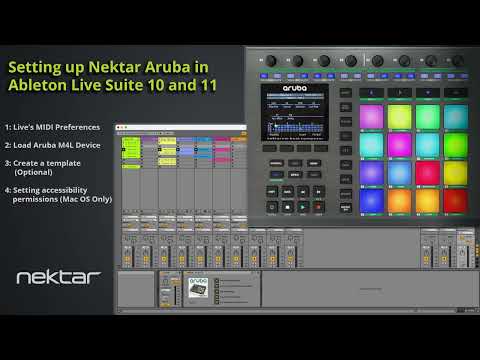
Before following this video you should have run the Nektar Aruba Ableton support installer in order to place both the Aruba control surface and Max for Live device in Ableton directories.
With that done, we show
– How to set Live’s MIDI preferences
– Loading the Aruba Max for Live device
– Creating a template (optional)
– Setting Accessibility settings in MacOS


