Video by Celemony via YouTube
Source
View Celemony on Plugin Boutique

ShaperBox 3 Bundle: The Ultimate Rhythmic Powerhouse Elevate your sound design with the ShaperBox 3 Bundle, a must-have toolkit for modern producers. This versatile collection brings together 11 powerful Cableguys effects—including Time, Pitch, Volume, and the new LiquidShaper—into one intuitive, multiband interface. Whether you're looking for precise sidechain ducking, complex rhythmic glitches, or lush analog-style filtering, ShaperBox 3 makes it easy to inject musical motion into any track. Praised by top producers like David Guetta and industry titans like Sound On Sound, it’s the definitive solution for solving mix problems and finding instant inspiration.
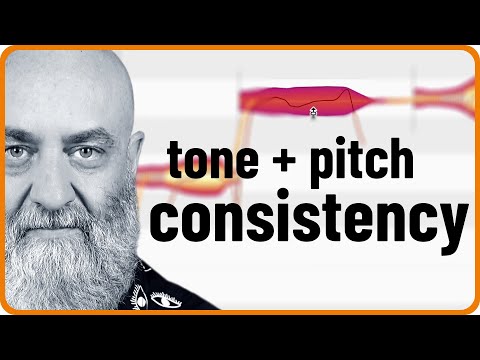
In today’s video, Rich shows how to give a vocal more stability and authority in both pitch and tone. He uses a number of tools that you can find in Melodyne assistant, Melodyne editor or Melodyne studio. With their skillful combination, you can achieve everything from making an inexperienced singer sound more confident to creating a full-blown modern pop production with an almost impossible level of consistency.
0:00 Intro
0:52 What to expect from this video
1:40 Adding separations for more control
3:40 Using the Correct Pitch macro
5:40 Better pitch transitions
6:28 Stabilized note beginnings
7:53 Time handles
8:41 Using the Pitch Modulation tool
9:17 Adjusting the formants
10:56 The contour of overtones
For more on Melodyne:
https://www.celemony.com
Why not try Melodyne 30 days for free, without any limitations?
https://www.celemony.com/en/trial
Buy Melodyne:
https://shop.celemony.com
Follow us on Social Media:
https://www.instagram.com/celemony_
https://www.threads.net/celemony_
https://www.facebook.com/celemony
https://x.com/celemony
#melodyne #tutorial #vocals


