Video by dSONIQ via YouTube
Source
View dSONIQ on Plugin Boutique
Sponsored:
Elevate Your Sound with HALO 2 Lite Experience the perfect hybrid of synthesis and sampling with HALO 2 Lite. This streamlined version of the powerhouse synth offers producers a visual, creative workflow to craft massive basses, soaring leads, and lush pads. Featuring 55 meticulously designed presets and a powerful modulation engine, it’s an essential tool for adding professional-grade depth and grit to your next track.
Test Realphones for free.
Download the 41-day trial version: https://dsoniq.com/download?utm_source=youtube&utm_medium=click&utm_campaign=video_tutorials
Buy Realphones 2.0 and see the line-up of different editions: https://dsoniq.com/shop?utm_source=youtube&utm_medium=click&utm_campaign=video_tutorials
User’s Guide: https://www.dsoniq.com/realphones_userguide?utm_source=youtube&utm_medium=click&utm_campaign=video_tutorials
00:00 – Introduction
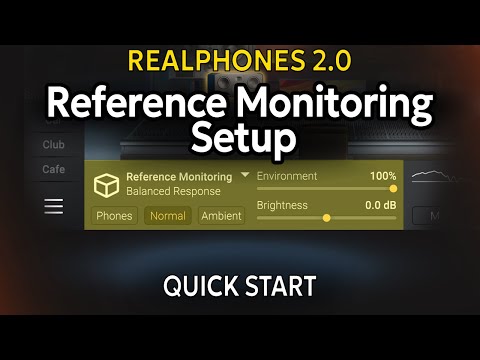
00:34 – Setup demonstration
01:02 – Setup scenario: Headphone selection
01:17 – Setup scenario: Preset selection
01:31 – Setup scenario: Emulation selection
01:55 – Setup scenario: "Correction" controller
02:05 – Setup scenario: "Environment" controller
02:23 – Setup scenario: "Correction" controller
03:28 – Setup scenario: "Brightness" controller
03:49 – Setup scenario: Output level controller


