Video by dSONIQ via YouTube
Source
View dSONIQ on Plugin Boutique
Sponsored:
Get professional-grade mixing tools for zero cost with the eaReckon FREE87 Series. This essential bundle features a gate, compressor, equalizer, and limiter, all derived from the acclaimed ANALOG87 series. Designed with a "ears-first" philosophy, these plugins provide analog-style warmth and smooth performance without complex interfaces—perfect for adding high-quality, transparent processing to any production.
Test Realphones for free.
Download the 41-day trial version: https://dsoniq.com/download?utm_source=youtube&utm_medium=click&utm_campaign=video_tutorials
Buy Realphones 2.0 and see the line-up of different editions: https://dsoniq.com/shop?utm_source=youtube&utm_medium=click&utm_campaign=video_tutorials
User’s Guide: https://www.dsoniq.com/realphones_userguide?utm_source=youtube&utm_medium=click&utm_campaign=video_tutorials
00:00 – Introduction
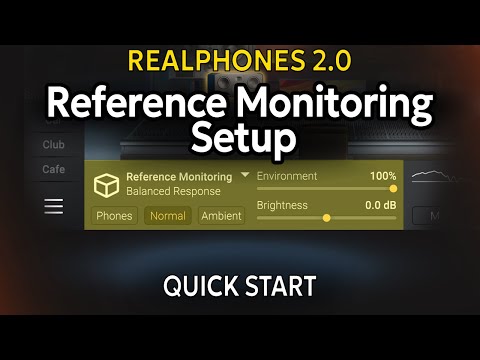
00:34 – Setup demonstration
01:02 – Setup scenario: Headphone selection
01:17 – Setup scenario: Preset selection
01:31 – Setup scenario: Emulation selection
01:55 – Setup scenario: "Correction" controller
02:05 – Setup scenario: "Environment" controller
02:23 – Setup scenario: "Correction" controller
03:28 – Setup scenario: "Brightness" controller
03:49 – Setup scenario: Output level controller


