Video by Eventide Audio via YouTube
Source
View Eventide Audio on Plugin Boutique
Sponsored:
Get professional-grade mixing tools for zero cost with the eaReckon FREE87 Series. This essential bundle features a gate, compressor, equalizer, and limiter, all derived from the acclaimed ANALOG87 series. Designed with a "ears-first" philosophy, these plugins provide analog-style warmth and smooth performance without complex interfaces—perfect for adding high-quality, transparent processing to any production.
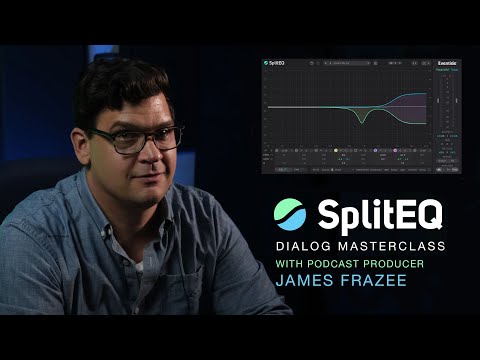
Watch as Grammy-nominated producer, engineer, and mixer James Frazee (Sharon Van Etten, Patti Smith, Gear Club Podcast), shares how he uses SplitEQ to clean up the dialog for podcasting. Whether you’re dealing with an untreated room or trying to clean up Zoom audio, SplitEQ can be an invaluable addition to any dialog editor’s toolkit.
Try the plug-in out and explore our dialog-focused presets with our free, fully functional 30-day demo at https://etide.io/SplitEQ
For more on @GearClubPodcast, visit https://www.gearclubpodcast.com
– Listen to Terri Winston’s Full Episode: https://bit.ly/28TerriWinston
– Listen to Jorma Kaukonen’s Full Episode: https://bit.ly/90JormaKaukonen
Subscribe to the Eventide channel for more demo videos and tips https://www.youtube.com/EventideAudio
00:00 Intro
1:05 Fixing an Untreated Room
7:54 Fixing Zoom Recordings
15:45 Wrap Up
#Plugins #Podcasting #Eventide


