Skip to content
Home » Use RePitch to Instantly Edit Vocals in Studio One 6

Use RePitch to Instantly Edit Vocals in Studio One 6

Video by Synchro Arts via YouTube
Source
View Synchro Arts on Plugin Boutique
Use RePitch to Instantly Edit Vocals in Studio One 6


Bring the legendary sound of Harrison's analog heritage into your DAW with the 32Classic Channel Strip. This comprehensive plugin emulates the iconic Harrison 32Classic console, featuring a musical four-band parametric EQ, famous ultra-wide filters, and a versatile dynamics section with three compression modes. With the addition of a Jensen transformer-modeled "Drive" control for warm harmonic saturation, it provides the same professional workflow and sonic character used on some of the world's most influential records.

** Try a 14-day trial of RePitch today 👉 https://bit.ly/3xvfO4n **

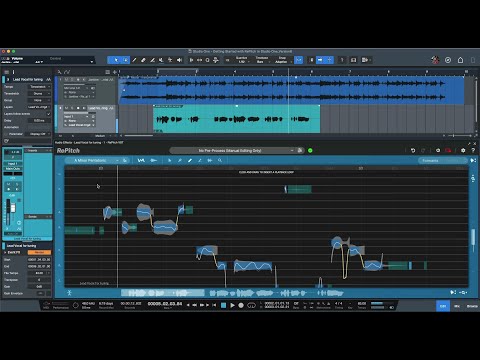
In this video, we learn how to quickly edit the pitch and timing of a lead vocal using the RePitch (ARA version) with newly-released Studio One 6.

Skip to 06:22 if you are using Studio One 5, where we show how to add RePitch ARA.

Chapters:
00:00 Intro
00:39 Track play-through
01:10 Adding the RePitch ARA in Studio One and loading in your vocal
03:25 Making some basic pitch changes
05:29 Bouncing edited vocals

Trial versions on Plugin Boutique