Elevate Your Sound with HALO 2 Lite Experience the perfect hybrid of synthesis and sampling with HALO 2 Lite. This streamlined version of the powerhouse synth offers producers a visual, creative workflow to craft massive basses, soaring leads, and lush pads. Featuring 55 meticulously designed presets and a powerful modulation engine, it’s an essential tool for adding professional-grade depth and grit to your next track.
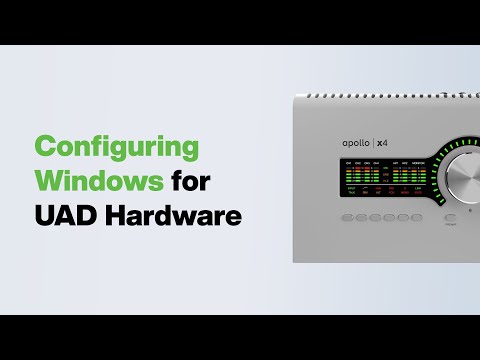
Learn how to configure Windows for optimal performance with UAD hardware, including Thunderbolt & USB equipped Apollo interfaces.
Learn more by visting our knowledge base at help.uaudio.com
Chapters:
00:00 – Title Screen
00:09 – System Requirements
00:34 – Data Ports & Cables
03:41 – Thunderbolt Control Center
04:09 – Windows & Manufacturer Updates
05:52 – Configuring Windows Audio Settings
08:08 – Buffer Size
08:59 – Configuring Windows Power Options
10:40 – USB Power Management Settings
11:34 – Power Options – Advanced Configuration
12:28 – Disable Screen Saver
12:54 – Additional Suggestions
———————————————————————————
→ Learn more about Universal Audio – https://www.uaudio.com/
→ Subscribe to UA’s YouTube Channel: https://www.youtube.com/user/UniversalAudio
→ Follow @uaudio on Instagram – https://www.instagram.com/uaudio/
→ Check out @u.audio on TikTok- https://www.tiktok.com/@u.audio/
→ Find @uaudio on Twitter: https://twitter.com/UAudio
→ Like Universal Audio on Facebook: https://www.facebook.com/universalaudioinc/
———————————————————————————-