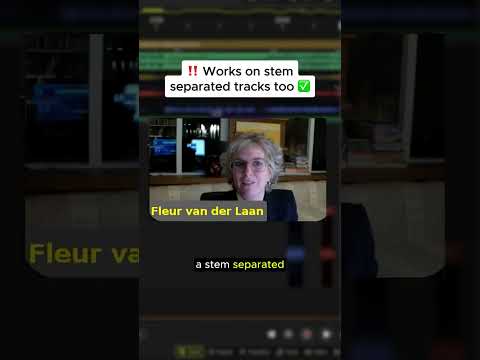
The 4.1 feature that made our host nearly fall off his chair. 👀 𝗢𝗽𝘁𝗶𝗼𝗻-𝗱𝗿𝗮𝗴. 𝗧𝗵𝗲 𝗳𝗮𝘀𝘁𝗲𝘀𝘁 𝘄𝗮𝘆 𝘁𝗼 𝗱𝘂𝗽𝗹𝗶𝗰𝗮𝘁𝗲 𝗽𝗮𝗿𝘁𝘀 𝗮𝗻𝗱 𝘀𝘁𝗲𝗺𝘀. Fleur (COO of DJ.Studio) showed this one in the 4.1 Tips & Tricks session and it instantly became the move people keep replaying the clip for. Her move: → Select any part on the timeline → Hold 𝗢𝗽𝘁𝗶𝗼𝗻 and drag : boom, instant duplicate ! → Works on tiny loop chops just as easily as full sections → Drop into a stem-separated lane? Drag a vocal straight onto a sample lane in one motion No copy. No paste. No menus. Just drag and go. This is the kind of shortcut that changes how fast you can sketch ideas and it’s just one of the 4.1 workflow upgrades Fleur covered. Comment TIPS to get the link to the full video #DJStudio #DJStudio41 #DJTips #WorkflowTips #DJSoftware #ProDJ #OpenFormatDJ #WeddingDJ #ClubDJ #DJWorkflow #MixFaster #DJProducer
Sponsored:
Revolutionize your mixing workflow with DJ.STUDIO Pro Edition, the ultimate DAW designed specifically for DJs. Forget time-consuming live recordings; this powerful timeline-based software allows you to craft seamless, professional-grade mixes with unparalleled speed using AI-driven automixing and precise transition editing. Compatible with major libraries like rekordbox and Serato, it’s the perfect tool for creating radio shows and video mixes. Master your sound today: Explore DJ.STUDIO Pro Edition here.


