Video by SSLvideos via YouTube
Source
View SSLvideos on Plugin Boutique
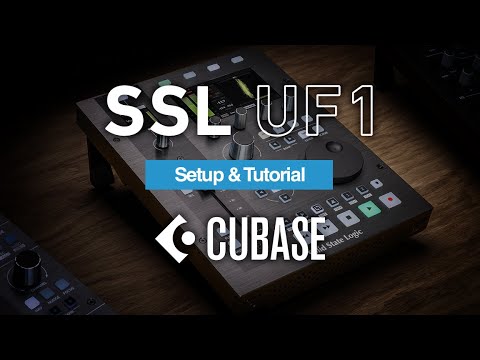
Step-by-step guide to installing, setting up and using your UF1 DAW Control Centre with Steinberg Cubase software. Use the chapters below to jump to specific sections.
Find out more: https://bit.ly/SSLUF1
00:00 Introduction
01:30 Unboxing & Connections
02:19 Software Installation
04:15 Keyboard Identifier (Mac Only)
05:23 Configuring UF1 for Cubase
08:00 Using Cubase
11:00 Cursor Keys and Jog Wheel
11:39 Channel Encoder
13:11 V-Pot Assignments – Sends
16:17 V-Pot Assignments – EQ
17:44 V-Pot Assignments – Strip
18:36 V-Pot Assignments – Plug-in Control
19:25 V-Pot Assignments – VST Instruments
19:25 V-Pot Assignments – FX Insert
19:25 V-Pot Assignments – Master Insert
21.33 Channel Visibility Presets and Channel Types
22:38 Function Key Assignments
24:05 Customising Keys with Shortcuts
25:04 Saving / Loading
25:29 Modes
26:16 UF1 with UF8
26:57 SSL Meter
29:05 Analogue
30:49 RTA (Real Time Analyser)
31:54 UF1 with UC1
36:15 Closing


