Video by iZotope, Inc. via YouTube
Source
View iZotope, Inc. on Plugin Boutique
Bring the legendary sound of Harrison's analog heritage into your DAW with the 32Classic Channel Strip. This comprehensive plugin emulates the iconic Harrison 32Classic console, featuring a musical four-band parametric EQ, famous ultra-wide filters, and a versatile dynamics section with three compression modes. With the addition of a Jensen transformer-modeled "Drive" control for warm harmonic saturation, it provides the same professional workflow and sonic character used on some of the world's most influential records.
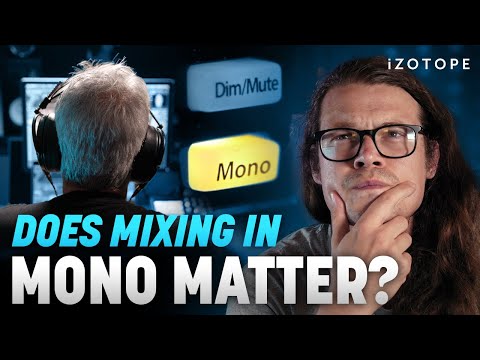
Can mixing in mono can help you achieve a more balanced and cohesive sound across different playback systems? In this video, Sam Loose shares explores what mixing in mono means, why you might want to mix in mono, and how you can use tools like iZotope Insight and iZotope Ozone to manage phase cancellation, pinpoint frequency imbalances, and make important adjustments to achieve mono compatibility.
Explore iZotope Insight: https://www.izotope.com/en/products/insight.html?utm_source=youtube&utm_medium=social&utm_campaign=mixing_in_mono
Explore iZotope Ozone: https://www.izotope.com/en/products/ozone.html?utm_source=youtube&utm_medium=social&utm_campaign=mixing_in_mono
Learn more about mixing in mono: https://www.izotope.com/en/learn/mono-vs-stereo.html?utm_source=youtube&utm_medium=social&utm_campaign=mixing_in_mono
#izotope #mixing #ozone
Chapters:
00:00 Intro
00:42 What is mixing in mono?
03:02 Mono vs stereo audio example
04:23 Phase relationships and mono compatibility
07:37 History of mono and stereo mixing
09:05 Ways to use mono in mixing
12:43 How to get optimal mono compatibility
14:45 Outro
SYNC ID: MB01NLXF11CPZWT


