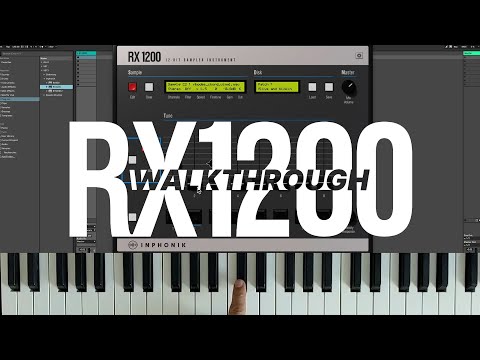
Video by Inphonik via YouTube
Source
View Inphonik on Plugin Boutique
Elevate your mixing workflow with the SSL autoSeries Bundle, a powerhouse collection of Solid State Logic’s most intuitive processors. Featuring the acclaimed Vocalstrip 2 and Drumstrip, this bundle provides the essential tools to achieve professional-grade clarity and punch with legendary SSL sonic character.
https://www.inphonik.com/products/rx1200-12bit-sampler-instrument/
0:00 Intro
0:30 SP-1200 history
2:21 The RX1200
3:31 Let’s start
4:24 The pads
5:38 The faders
5:59 Tune
6:10 Decay
6:32 Mix
6:45 Sound parameters
6:56 Stereo
7:17 Filter
7:41 Speed
9:20 Finetune
9:29 Gain
10:31 Output
10:58 Polyphony
11:13 Multi channel outputs
11:56 Add samples to the pads
12:06 Sample editor
13:20 Loop modes
13:56 The Sample menu
15:38 Save preset
16:19 Chromatic mode
Our walkthrough video for the RX1200 12-bit Sampler Instrument available now for Windows, macOS and Linux, as VST2, VST3, Audio Units, AAX, and Rack Extension.
Learn more from our FAQ:
https://www.inphonik.com/support/#rx1200
Read the RX1200 User manual:
https://www.inphonik.com/pdf/RX1200-User-Manual.pdf
Subscribe to our newsletter:
https://www.inphonik.com/newsletter
Follow us!
https://www.facebook.com/inphonik
https://www.instagram.com/inphonik
Tweets by inphonik
https://soundcloud.com/inphonik


