Video by DECAP via YouTube
Source
View DECAP on Plugin Boutique
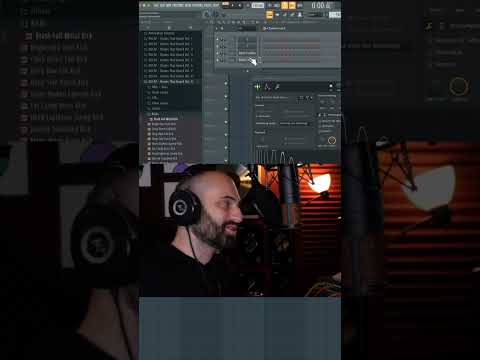
DECAP shows how to quickly replace a sample in the FL Studio channel rack, that’ll definitely come in handy when you want to breeze through your next project.
Download KNOCK Plugin: https://pluginsthatknock.com
Download Drums That Knock: http://drumsthatknock.com
Be sure to subscribe to this channel, and click the bell notification for daily music production tips, tutorials and more.
Join DECAP’s Discord Server: https://discord.com/invite/JYxjc36
Text DECAP at +1 (323) 310-4079
To hear about new releases first, free stuff, giveaways, livestream announcements, etc.
Follow DECAP:
http://instagram.com/decapmusic
Tweets by decapmusic
https://open.spotify.com/artist/0YNQuoFHti0UjsFm94aaXL?si=HkblhEt6Rf214Py9LyltqA