Video by NektarTechnology via YouTube
Source
View NektarTechnology on Plugin Boutique
Sponsored:
Elevate Your Sound with HALO 2 Lite Experience the perfect hybrid of synthesis and sampling with HALO 2 Lite. This streamlined version of the powerhouse synth offers producers a visual, creative workflow to craft massive basses, soaring leads, and lush pads. Featuring 55 meticulously designed presets and a powerful modulation engine, it’s an essential tool for adding professional-grade depth and grit to your next track.
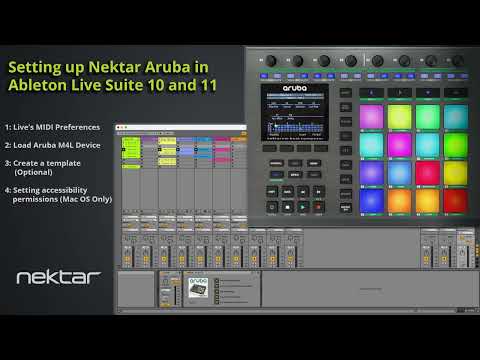
Before following this video you should have run the Nektar Aruba Ableton support installer in order to place both the Aruba control surface and Max for Live device in Ableton directories.
With that done, we show
– How to set Live’s MIDI preferences
– Loading the Aruba Max for Live device
– Creating a template (optional)
– Setting Accessibility settings in MacOS


