Video by Celemony via YouTube
Source
View Celemony on Plugin Boutique
Elevate your mixing workflow with the SSL autoSeries Bundle, a powerhouse collection of Solid State Logic’s most intuitive processors. Featuring the acclaimed Vocalstrip 2 and Drumstrip, this bundle provides the essential tools to achieve professional-grade clarity and punch with legendary SSL sonic character.
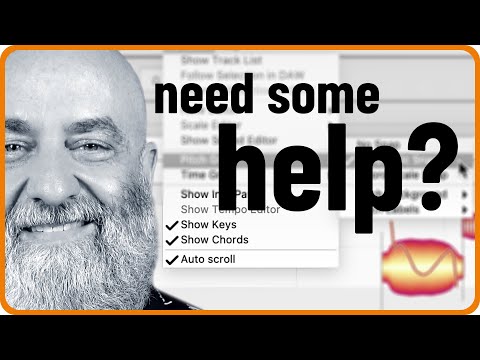
This video shows many useful tools and workflows offered by Melodyne essential that will help you make good decisions when editing vocals, especially if you are not a music theory enthusiast in the first place.
Rich is using Pro Tools here, but the workflow and functionality demonstrated would be exactly the same in any other ARA-equipped DAW.
0:00 Intro
00:28 Determining the song key
03:44 Determining the chords
04:33 Setting the note background
06:54 Using “Snap“ with the Pitch Grid
08:58 Using the Pitch Macro
12:47 Creating harmonies from scratch
15:44 Using Key Snap to find harmonies
For more on Melodyne:
https://www.celemony.com
Why not try Melodyne 30 days for free, without any limitations?
https://www.celemony.com/en/trial
Buy Melodyne:
https://shop.celemony.com
Follow us on Social Media:
https://www.facebook.com/celemony
https://www.instagram.com/celemony_
Tweets by Celemony
#melodyne #tutorial #vocals
Trial versions on Plugin Boutique