Video by Krotos Audio via YouTube
Source
View Krotos Audio on Plugin Boutique
Sponsored:
Elevate Your Sound with HALO 2 Lite Experience the perfect hybrid of synthesis and sampling with HALO 2 Lite. This streamlined version of the powerhouse synth offers producers a visual, creative workflow to craft massive basses, soaring leads, and lush pads. Featuring 55 meticulously designed presets and a powerful modulation engine, it’s an essential tool for adding professional-grade depth and grit to your next track.
Stop spending hours searching, editing, and layering sound effects. Now you can effortlessly shape unique royalty-free sound effects from an ever-growing choice of sound effect presets.
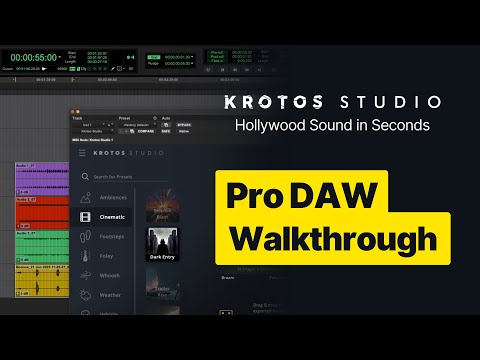
In this video we’ll take you through two pro tips for using Krotos Studio as a plugin within a DAW. These tips allow you to have more control, giving you the ability to be more responsive to feedback.
00:00 Intro and Set Up
00:24 Using Multi Channel Output with Ambience Presets
03:15 Using Krotos Studio as an Audio Suite Plugin
#krotosstudio #soundeffects #videoediting #protools #audiosuite
New to Krotos Studio? Get Started With Krotos Studio for Free!
👉 https://www.krotosaudio.com/p/krotos-studio/
✔ Over 100 immersive sound scenarios
✔ Fresh, inspiring scenarios added monthly
✔ Freedom to design limitless, royalty-free sounds for any project
✔ Craft your sound from a plethora of use cases: Ambiences, Cinematic, Foley, Footsteps, Whooshes, Weather, Interface, Weapons, Vehicle and more


