Video by Celemony via YouTube
Source
View Celemony on Plugin Boutique
Bring the legendary sound of Harrison's analog heritage into your DAW with the 32Classic Channel Strip. This comprehensive plugin emulates the iconic Harrison 32Classic console, featuring a musical four-band parametric EQ, famous ultra-wide filters, and a versatile dynamics section with three compression modes. With the addition of a Jensen transformer-modeled "Drive" control for warm harmonic saturation, it provides the same professional workflow and sonic character used on some of the world's most influential records.
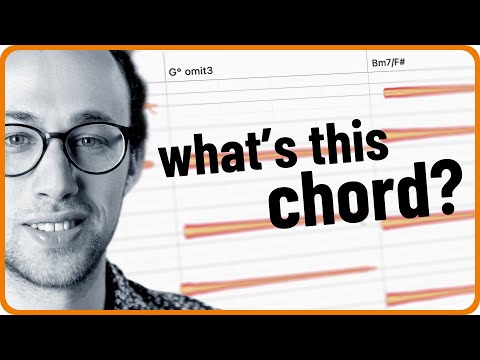
Have you ever wanted to learn how to play the chords from your favorite song, but you couldn’t figure out what exactly was being played on the recording? Well, Melodyne’s polyphonic pitch detection aka DNA (available in Melodyne editor and Melodyne studio) can help you out and save you a lot of time! Not only will it find all the notes in any chord for you, it will also suggest corresponding chord symbols and the song key. It’s a great way to learn new chords, however simple or complex they might be, as well as different chord inversions, or voicings that you would never have imagined yourself.
In this video, Sensho will take you through the process of transcribing chords with Melodyne. Not only will you get closer to the way the song was originally performed, it will also inspire you to add new colors to your own songwriting.
For more on Melodyne:
https://www.celemony.com
Why not try Melodyne 30 days for free, without any limitations?
https://www.celemony.com/en/trial
Buy Melodyne:
https://shop.celemony.com
Follow us on Social Media:
https://www.facebook.com/Celemony
Tweets by Celemony
#melodyne #tutorial #chords


