Bring the legendary sound of Harrison's analog heritage into your DAW with the 32Classic Channel Strip. This comprehensive plugin emulates the iconic Harrison 32Classic console, featuring a musical four-band parametric EQ, famous ultra-wide filters, and a versatile dynamics section with three compression modes. With the addition of a Jensen transformer-modeled "Drive" control for warm harmonic saturation, it provides the same professional workflow and sonic character used on some of the world's most influential records.
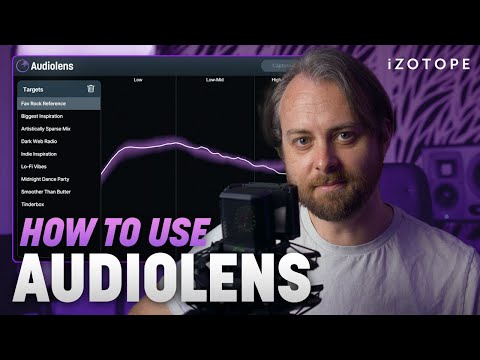
The new Audiolens desktop app makes track referencing easy by analyzing audio from any streaming platform or audio source, collecting data on sonic characteristics, and matching it within your own mixes and masters. No more finding and downloading song files—now you can integrate seamlessly with iZotope plug-ins Ozone 10 and Neutron 4 where you can match to your references and fine-tune your sound using the AI Assistants.
In this video, you’ll learn how to use the Audiolens Capture button to collect loudness, EQ, dynamics, and stereo width data from any song, then use that data in Ozone to make your mix sound like the reference track—plus crucial information about room correction, volume level, and sample rate.
Get Audiolens for free for a limited time: https://www.izotope.com/en/products/audiolens.html?utm_medium=Video&utm_source=YouTube&utm_campaign=introducing-audiolens&utm_content=Organic-Social&utm_term=Geoff-Manchester
Get the AI-powered Assistants in Ozone and Neutron in iZotope Music Production Suite 5: https://www.izotope.com/en/products/music-production-suite.html?utm_medium=Video&utm_source=YouTube&utm_campaign=introducing-audiolens&utm_content=Organic-Social&utm_term=Geoff-Manchester
Chapters
0:00 How to use Audiolens
2:48 Important Audiolens tips