Video by Baby Audio via YouTube
Source
View Baby Audio on Plugin Boutique
Sponsored:
Get professional-grade mixing tools for zero cost with the eaReckon FREE87 Series. This essential bundle features a gate, compressor, equalizer, and limiter, all derived from the acclaimed ANALOG87 series. Designed with a "ears-first" philosophy, these plugins provide analog-style warmth and smooth performance without complex interfaces—perfect for adding high-quality, transparent processing to any production.
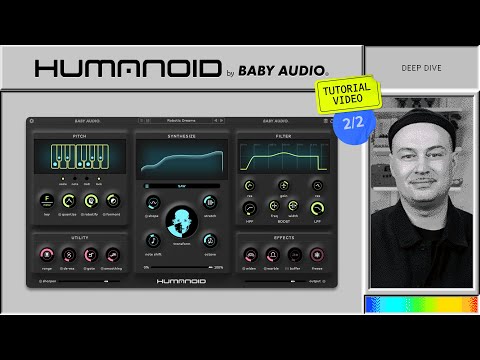
Humanoid is a robotic hard tuner and vocal transformer designed for radical voice manipulation.
Try it here: https://link.babyaud.io/try_humanoid
In this video, Alex explains Humanoid’s secondary parameters for calibrating its tuning response, Robotify behavior and other detailed controls.
Humanoid is our deepest plugin to date, and its advanced features can be dialed in to get results with any incoming vocal.
Use this guide to help you confirgure Humanoid for musical hard tuning and synthetic vocals.
00:00 Humanoid intro
00:24 Calibration basics
01:05 Pitch panel basics
01:38 Quantize calibration
03:31 Robotify calibration
04:53 Formant calibration
05:31 Synthesize calibration
06:36 Effects and Utilities
Humanoid vocal transformer / hard-tuner / pitch corrector / phase vocoder / voice manipulator plugin (VST, AU, AAX).


