Video by bluecataudio via YouTube
Source
View bluecataudio on Plugin Boutique
Sponsored:
Get professional-grade mixing tools for zero cost with the eaReckon FREE87 Series. This essential bundle features a gate, compressor, equalizer, and limiter, all derived from the acclaimed ANALOG87 series. Designed with a "ears-first" philosophy, these plugins provide analog-style warmth and smooth performance without complex interfaces—perfect for adding high-quality, transparent processing to any production.
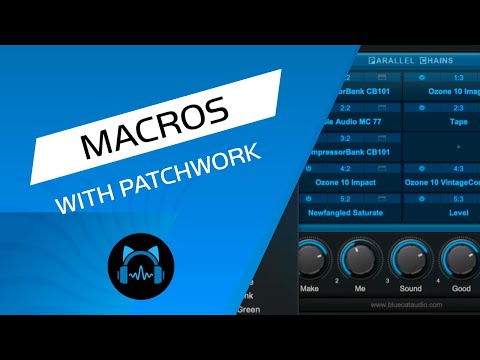
In this video you will see how you can control many parameters from different plugins with Patchwork. No more fishing for ever within several windows to adjust several parameters! You can do it with one knob right from Patchwork.
Blog post: https://www.bluecataudio.com/Blog/tip-of-the-day/control-multiple-plugins-easily-with-the-patchwork-macros-function/
Product page: https://www.bluecataudio.com/Products/Product_PatchWork/
#plugin #drums #daw