Video by bluecataudio via YouTube
Source
View bluecataudio on Plugin Boutique
Elevate your mixing workflow with the SSL autoSeries Bundle, a powerhouse collection of Solid State Logic’s most intuitive processors. Featuring the acclaimed Vocalstrip 2 and Drumstrip, this bundle provides the essential tools to achieve professional-grade clarity and punch with legendary SSL sonic character.
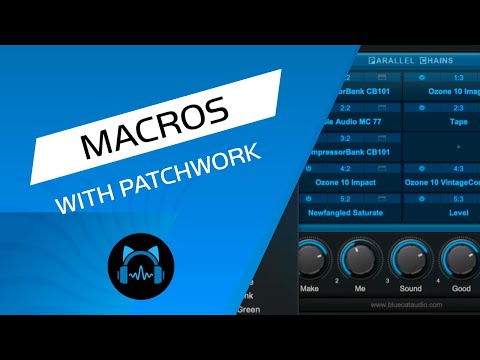
In this video you will see how you can control many parameters from different plugins with Patchwork. No more fishing for ever within several windows to adjust several parameters! You can do it with one knob right from Patchwork.
Blog post: https://www.bluecataudio.com/Blog/tip-of-the-day/control-multiple-plugins-easily-with-the-patchwork-macros-function/
Product page: https://www.bluecataudio.com/Products/Product_PatchWork/
#plugin #drums #daw