Skip to content
Home » How to change all the pad settings in Ableton Live drum rack 🥁 #shorts

How to change all the pad settings in Ableton Live drum rack 🥁 #shorts

Video by DECAP via YouTube
Source
View DECAP on Plugin Boutique
How to change all the pad settings in Ableton Live drum rack 🥁 #shorts


Bring the legendary sound of Harrison's analog heritage into your DAW with the 32Classic Channel Strip. This comprehensive plugin emulates the iconic Harrison 32Classic console, featuring a musical four-band parametric EQ, famous ultra-wide filters, and a versatile dynamics section with three compression modes. With the addition of a Jensen transformer-modeled "Drive" control for warm harmonic saturation, it provides the same professional workflow and sonic character used on some of the world's most influential records.

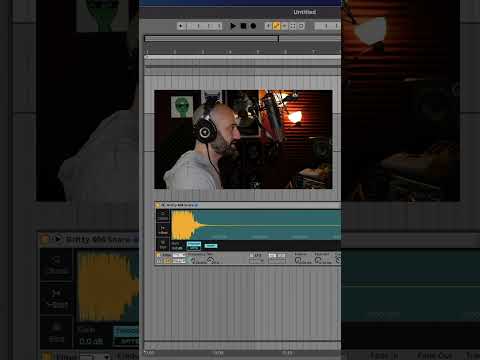
DECAP shows you how to change all the pad settings in Ableton Live drum rack that will help utilize the DAW for even more efficiency.

Download KNOCK Plugin: https://pluginsthatknock.com

Download Drums That Knock: http://drumsthatknock.com

Be sure to subscribe to this channel, and click the bell notification for daily music production tips, tutorials and more.

Join DECAP’s Discord Server: https://discord.com/invite/JYxjc36

Text DECAP at +1 (323) 310-4079
To hear about new releases first, free stuff, giveaways, livestream announcements, etc.

Follow DECAP:
http://instagram.com/decapmusic

https://open.spotify.com/artist/0YNQuoFHti0UjsFm94aaXL?si=HkblhEt6Rf214Py9LyltqA

Trial versions on Plugin Boutique