Video by Bitwig via YouTube
Source
View Bitwig on Plugin Boutique
Bring the legendary sound of Harrison's analog heritage into your DAW with the 32Classic Channel Strip. This comprehensive plugin emulates the iconic Harrison 32Classic console, featuring a musical four-band parametric EQ, famous ultra-wide filters, and a versatile dynamics section with three compression modes. With the addition of a Jensen transformer-modeled "Drive" control for warm harmonic saturation, it provides the same professional workflow and sonic character used on some of the world's most influential records.
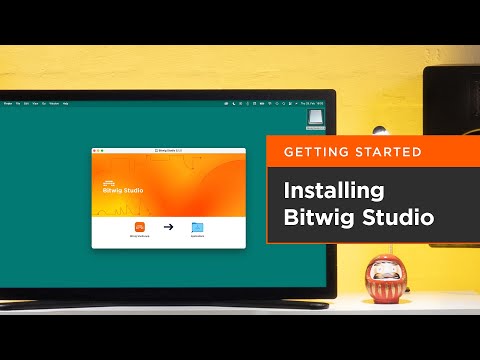
New users, start here! This video shows you how to download and install Bitwig Studio, as well as what to do when you launch the program for the first time.
Watch the other Getting Started videos: https://www.youtube.com/playlist?list=PLfXKHnSL0KtRiDgyXCHkhXbD0q8EGrBiS
Contents:
0:00 Step 1: Create your user account
0:28 Step 2: Download Bitwig Studio installer
0:52 Step 3: Launch Bitwig Studio for the first time
1:16 Step 4: Install free sound content
1:36 Step 5: Open the Dashboard to find Quick Start templates
Learn more about Bitwig Studio at www.bitwig.com
Follow Bitwig:
Instagram ➡️ https://www.instagram.com/bitwig
Facebook ➡️ https://www.facebook.com/bitwig
Twitter ➡️ https://twitter.com/Bitwig
#Bitwig #BitwigStudio #musicproduction #musicproducer


