Skip to content
Home » Applying a Gate To A Channel | Reason 12 #shorts

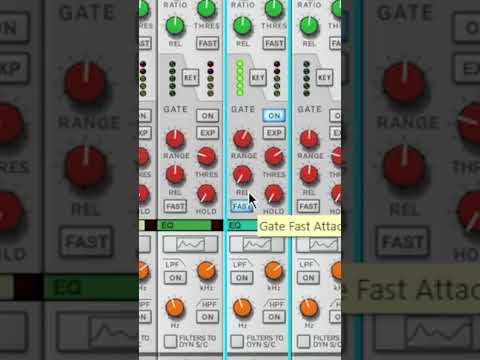
Applying a Gate To A Channel | Reason 12 #shorts

Video by Reason Studios via YouTube
Source
View Reason Studios on Plugin Boutique
Applying a Gate To A Channel | Reason 12 #shorts


Bring the legendary sound of Harrison's analog heritage into your DAW with the 32Classic Channel Strip. This comprehensive plugin emulates the iconic Harrison 32Classic console, featuring a musical four-band parametric EQ, famous ultra-wide filters, and a versatile dynamics section with three compression modes. With the addition of a Jensen transformer-modeled "Drive" control for warm harmonic saturation, it provides the same professional workflow and sonic character used on some of the world's most influential records.

Together with producer Chris Reed, we are completely breaking down the Reason 12 digital audio workstation. Here’s a quick tip on how to apply a gate to a channel.

Watch full tutorial here: https://www.youtube.com/watch?v=92SeERSPb54

Trial versions on Plugin Boutique