Video by Celemony via YouTube
Source
View Celemony on Plugin Boutique
Sponsored:
Elevate Your Sound with HALO 2 Lite Experience the perfect hybrid of synthesis and sampling with HALO 2 Lite. This streamlined version of the powerhouse synth offers producers a visual, creative workflow to craft massive basses, soaring leads, and lush pads. Featuring 55 meticulously designed presets and a powerful modulation engine, it’s an essential tool for adding professional-grade depth and grit to your next track.
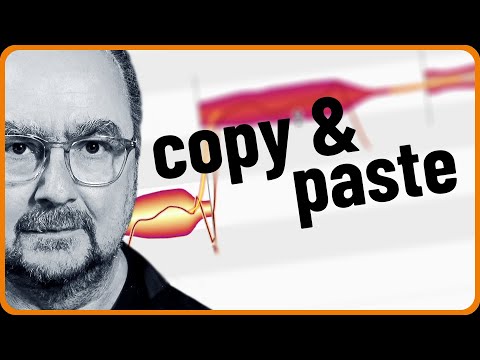
Adding notes to chords in audio recordings? Only Melodyne can do that. And you’ll find it particularly easy after you’ve watched Stefan’s quick tip.
Please note: Stefan is using Melodyne studio here. But you could do the same with Melodyne editor as well.
This video is part of a complete playlist with “Stefan’s Quick Tips”. See here for more:
For more on Melodyne:
https://www.celemony.com
Why not try Melodyne 30 days for free, without any limitations?
https://www.celemony.com/en/trial
Buy Melodyne:
https://shop.celemony.com
Follow us on Social Media:
https://www.instagram.com/celemony_
https://www.threads.net/celemony_
https://www.facebook.com/celemony
https://x.com/celemony
#melodyne #quicktips #chords
Trial versions on Plugin Boutique


