Video by CINEMATIQUE INSTRUMENTS via YouTube
Source
View CINEMATIQUE INSTRUMENTS on Plugin Boutique
Sponsored:
Get professional-grade mixing tools for zero cost with the eaReckon FREE87 Series. This essential bundle features a gate, compressor, equalizer, and limiter, all derived from the acclaimed ANALOG87 series. Designed with a "ears-first" philosophy, these plugins provide analog-style warmth and smooth performance without complex interfaces—perfect for adding high-quality, transparent processing to any production.
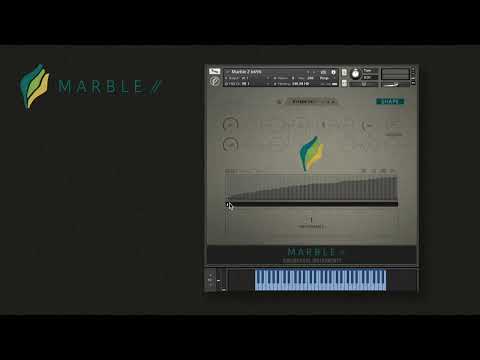
We are happy to announce MARBLE 2: An outstanding source of inspiration. In this video, we will walk you through the interface of MARBLE 2, listen to some presets, learn to create patterns, and see how real-time shaping works.
Make sure to check it out at https://cinematique-instruments.com/pages_instr/page_marble2.php
And if you’d like to take a look at the instructions manual, you can download it here: https://cinematique-instruments.com/download/manuals/marble2.zip
Timestamps:
0:00 Intro
1:16 The Presets Page
3:36 Listening to Presets
7:50 The Engine Page
10:00 Creating Patterns
14:55 Shape Page
17:13 Real-Time Shaping in Practice


