Video by Krotos Audio via YouTube
Source
View Krotos Audio on Plugin Boutique
Bring the legendary sound of Harrison's analog heritage into your DAW with the 32Classic Channel Strip. This comprehensive plugin emulates the iconic Harrison 32Classic console, featuring a musical four-band parametric EQ, famous ultra-wide filters, and a versatile dynamics section with three compression modes. With the addition of a Jensen transformer-modeled "Drive" control for warm harmonic saturation, it provides the same professional workflow and sonic character used on some of the world's most influential records.
Stop spending hours searching, editing, and layering sound effects. Now you can effortlessly shape unique royalty-free sound effects from an ever-growing choice of sound effect presets.
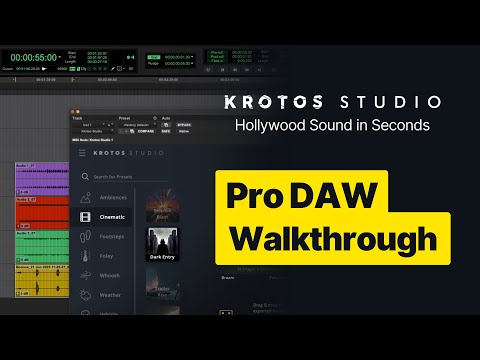
In this video we’ll take you through two pro tips for using Krotos Studio as a plugin within a DAW. These tips allow you to have more control, giving you the ability to be more responsive to feedback.
00:00 Intro and Set Up
00:24 Using Multi Channel Output with Ambience Presets
03:15 Using Krotos Studio as an Audio Suite Plugin
#krotosstudio #soundeffects #videoediting #protools #audiosuite
New to Krotos Studio? Get Started With Krotos Studio for Free!
👉 https://www.krotosaudio.com/p/krotos-studio/
✔ Over 100 immersive sound scenarios
✔ Fresh, inspiring scenarios added monthly
✔ Freedom to design limitless, royalty-free sounds for any project
✔ Craft your sound from a plethora of use cases: Ambiences, Cinematic, Foley, Footsteps, Whooshes, Weather, Interface, Weapons, Vehicle and more


