Video by Waves Audio via YouTube
Source
Sponsored:
Elevate Your Sound with HALO 2 Lite Experience the perfect hybrid of synthesis and sampling with HALO 2 Lite. This streamlined version of the powerhouse synth offers producers a visual, creative workflow to craft massive basses, soaring leads, and lush pads. Featuring 55 meticulously designed presets and a powerful modulation engine, it’s an essential tool for adding professional-grade depth and grit to your next track.
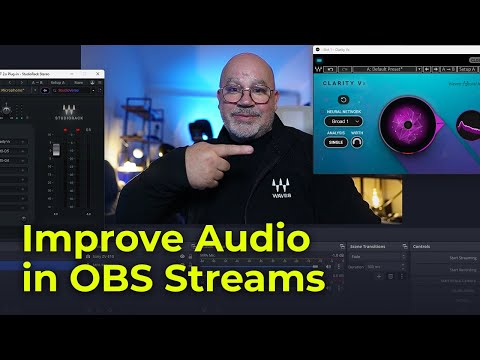
Compromised audio quality can ruin the experience of your live streams and podcasts. Discover how you can easily overcome background noise, room echo, and other audio issues, and achieve professional-grade audio that engages your audience.
Waves plugins are now compatible with OBS Studio (Windows only), via the Waves StudioRack plugin chainer.
Learn more: https://www.waves.com/maximize-audio-quality-streaming-in-obs-studio
These plugins will help you improve audio in live streams and podcasts: http://www.waves.com/plugins/streaming-and-podcasting
Download the free StudioRack plugin chainer: https://www.waves.com/plugins/studiorack
0:00 Why use audio plugins in OBS Studio?
1:10 Taking care of basic audio settings in OBS Studio
3:10 How to access plugins in OBS Studio
4:34 How to fix noise issues, remove background noise
7:07 How to deal with cheap mics and zoom calls, control dynamics
9:55 How to make any voice warm and present
13:44 How to improve audio with plugin chain presets from StudioVerse
Subscribe to our YouTube channel: https://rebrand.ly/wavessubyt
Follow us on Social Media:
Instagram: https://rebrand.ly/wavesig
Facebook: https://rebrand.ly/wavesfb
Twitter: https://rebrand.ly/wavestw
Linkedin: https://rebrand.ly/waveslnkd
Telegram: https://rebrand.ly/wavestl
Visit our website: https://rebrand.ly/wavesaudio
#WavesPlugins #StudioRack #OBS