Video by Imaginando via YouTube
Source
View Imaginando on Plugin Boutique
Sponsored:
Get professional-grade mixing tools for zero cost with the eaReckon FREE87 Series. This essential bundle features a gate, compressor, equalizer, and limiter, all derived from the acclaimed ANALOG87 series. Designed with a "ears-first" philosophy, these plugins provide analog-style warmth and smooth performance without complex interfaces—perfect for adding high-quality, transparent processing to any production.
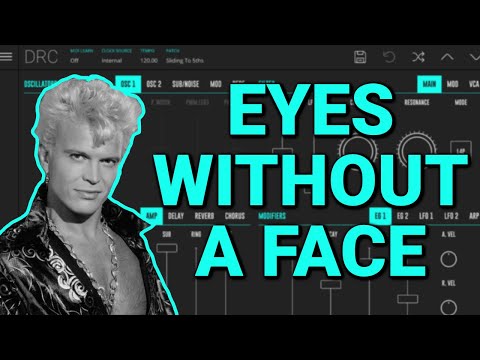
Download the Ableton Live project in the link below: https://www.imaginando.pt/uploads/goodies/tutorials/billy-idol-eyes-without-a-face-project.zip
00:00 Music Demo
02:29 Intro
02:55 Patch Construction
03:01 Bass
05:20 Pad R
07:40 Pad P B
10:56 Keys
15:07 Music
17:35 Outro
DRC – Polyphonic Synthesizer:
DRC for Mac & Windows – https://www.imaginando.pt/products/drc-polyphonic-synthesizer
DRC for iOS – https://apps.apple.com/us/app/drc-polyphonic-synthesizer/id973055710
DRC for Android – https://play.google.com/store/apps/details?id=com.imaginando.drc
Connect with us:
Facebook – https://www.facebook.com/imaginando.net
Twitter – https://www.twitter.com/imaginando_pt
Instagram – https://www.instagram.com/imaginando_pt
Soundcloud – https://www.soundcloud.com/imaginando
Get in touch:
Contact us – https://www.imaginando.pt/contact-us
#synthesizer #sounddesign #tutorial