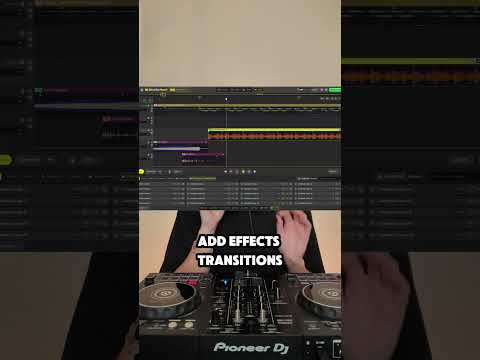
You don’t need to be a producer to make your own DJ edits. The latest version of DJ.Studio includes sample loops you can drag straight into the timeline. Split the track into stems, drop a loop over your arrangement, and start shaping. Add effects, build energy before the drop, and you’ve got a custom edit without ever opening a DAW. Comment "SAMPLES" and I’ll send you the link to try DJ.Studio for free. #djstudio #djtips #djworkflow #djtutorial #djlife #djedits #samplepack #djremix #customedits #stemseparation
Sponsored:
Revolutionize your mixing workflow with DJ.STUDIO Pro Edition, the ultimate DAW designed specifically for DJs. Forget time-consuming live recordings; this powerful timeline-based software allows you to craft seamless, professional-grade mixes with unparalleled speed using AI-driven automixing and precise transition editing. Compatible with major libraries like rekordbox and Serato, it’s the perfect tool for creating radio shows and video mixes. Master your sound today: Explore DJ.STUDIO Pro Edition here.


