Video by Celemony via YouTube
Source
View Celemony on Plugin Boutique
Sponsored:
Get professional-grade mixing tools for zero cost with the eaReckon FREE87 Series. This essential bundle features a gate, compressor, equalizer, and limiter, all derived from the acclaimed ANALOG87 series. Designed with a "ears-first" philosophy, these plugins provide analog-style warmth and smooth performance without complex interfaces—perfect for adding high-quality, transparent processing to any production.
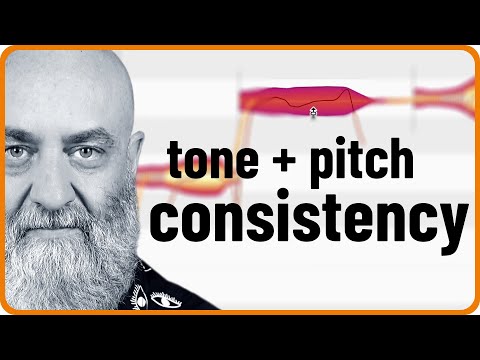
In today’s video, Rich shows how to give a vocal more stability and authority in both pitch and tone. He uses a number of tools that you can find in Melodyne assistant, Melodyne editor or Melodyne studio. With their skillful combination, you can achieve everything from making an inexperienced singer sound more confident to creating a full-blown modern pop production with an almost impossible level of consistency.
0:00 Intro
0:52 What to expect from this video
1:40 Adding separations for more control
3:40 Using the Correct Pitch macro
5:40 Better pitch transitions
6:28 Stabilized note beginnings
7:53 Time handles
8:41 Using the Pitch Modulation tool
9:17 Adjusting the formants
10:56 The contour of overtones
For more on Melodyne:
https://www.celemony.com
Why not try Melodyne 30 days for free, without any limitations?
https://www.celemony.com/en/trial
Buy Melodyne:
https://shop.celemony.com
Follow us on Social Media:
https://www.instagram.com/celemony_
https://www.threads.net/celemony_
https://www.facebook.com/celemony
https://x.com/celemony
#melodyne #tutorial #vocals


