Video by Bitwig via YouTube
Source
View Bitwig on Plugin Boutique
Sponsored:
Get professional-grade mixing tools for zero cost with the eaReckon FREE87 Series. This essential bundle features a gate, compressor, equalizer, and limiter, all derived from the acclaimed ANALOG87 series. Designed with a "ears-first" philosophy, these plugins provide analog-style warmth and smooth performance without complex interfaces—perfect for adding high-quality, transparent processing to any production.
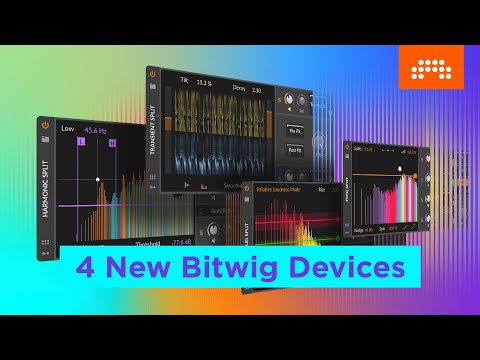
What does "unlock your audio" really mean? In this video, you’ll learn what Bitwig’s new Spectral Suite devices can do — and how you can use them to level up your audio processing.
Watch our introductory video to Spectral Suite: https://youtu.be/Qf4y0-0utHs
Buy the Spectral Suite add-on: www.bitwig.com/buy
Contents:
0:00 What does Spectral Suite do?
0:51 Freq Split: Make a spectral delay
1:30 Nudging Freq Split’s bands
2:11 Loud Split: Turn a guitar into a banjo
2:52 Distorting the loudest parts of a sound
3:17 Harmonic Split
3:53 Isolate the fundamental with Harmonic Split
4:14 Transient Split: Using it on drum loops
4:40 Target instruments in a full loop with Transient Split
Learn more about Bitwig Studio at www.bitwig.com
Follow Bitwig:
Instagram ➡️ https://www.instagram.com/bitwig
Facebook ➡️ https://www.facebook.com/bitwig
Twitter ➡️ https://twitter.com/Bitwig
#Bitwig #BitwigStudio #musicproduction #musicproducer
Trial versions on Plugin Boutique


