Video by CINEMATIQUE INSTRUMENTS via YouTube
Source
View CINEMATIQUE INSTRUMENTS on Plugin Boutique
Sponsored:
Elevate Your Sound with HALO 2 Lite Experience the perfect hybrid of synthesis and sampling with HALO 2 Lite. This streamlined version of the powerhouse synth offers producers a visual, creative workflow to craft massive basses, soaring leads, and lush pads. Featuring 55 meticulously designed presets and a powerful modulation engine, it’s an essential tool for adding professional-grade depth and grit to your next track.
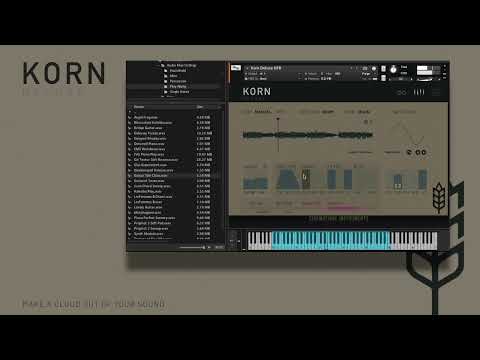
In this video we start from scratch.
We show you the functionality of Korn and how everything works and how Korn sounds. We are going to several stages of editing a sound and show you the wide range of possibilities.
About Korn:
Korn is a Kontakt-based granular engine that delivers unique and inspiring results. It works as a sample-on-shot player as well as a looper and granular engine with beautiful cloud textures of up to 5 grains.
As a source you can fall back on an included library of over 150 carefully selected samples from the complete CI library. But you can also simply throw your own samples onto Korn.
Korn comes with over 200 presets from the Textures, Clouds, Pads, Lead and Percussive / Rhythmic sections, which already provide you with a very complex selection of possibilities.
More Infos at:
https://www.cinematique-instruments.com/pages_instr/inst_korndlx.php


